Opis
Preverjanje ID-jev za DDV v vaši trgovini WooCommerce
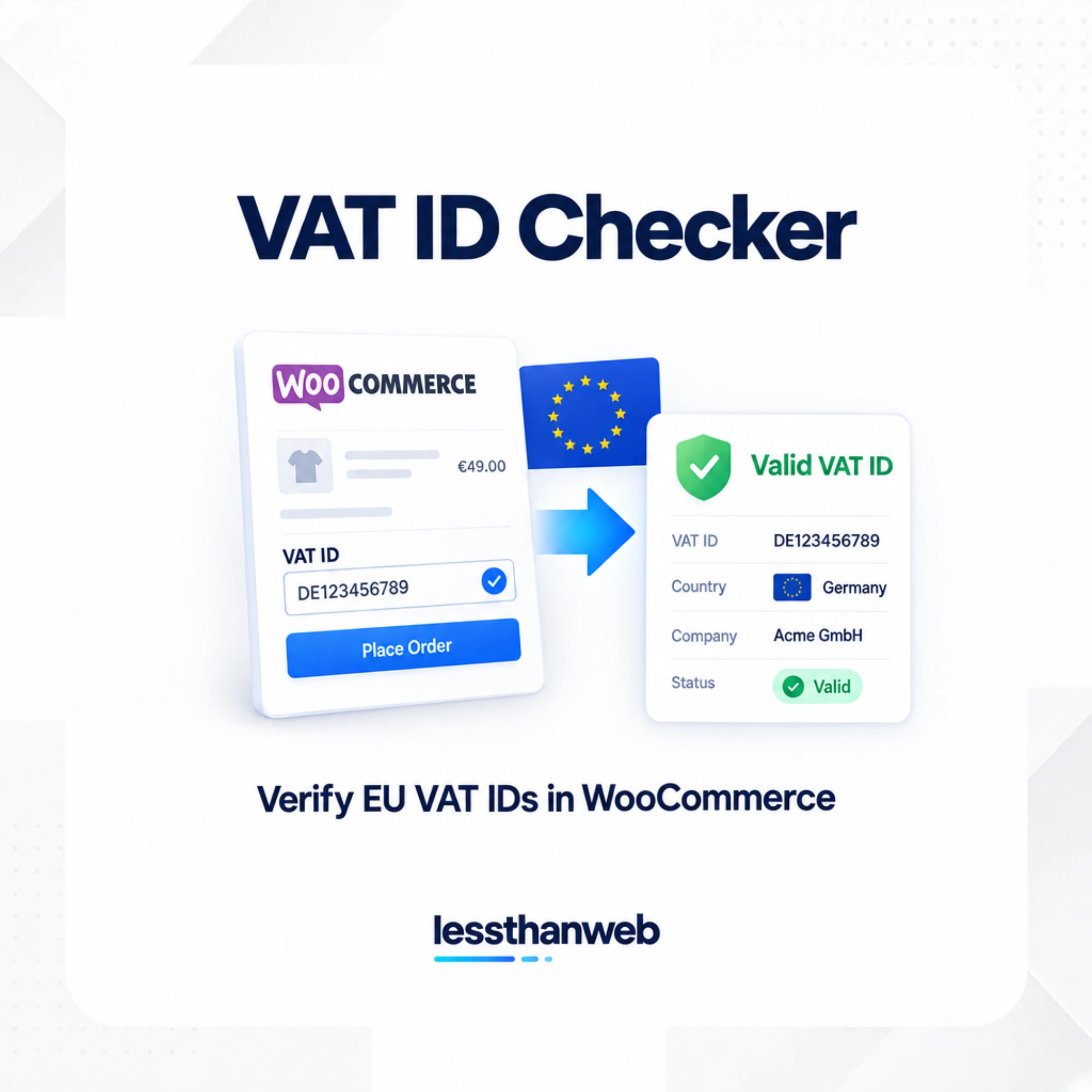
Preverjanje ID-jev za DDV naj bo naraven del zaključka nakupa v WooCommerce. VAT ID Checker strankam omogoča, da med zaključkom nakupa vnesejo državo in ID za DDV ter vnesene podatke preveri prek storitve VIES Evropske komisije.
Stranke lahko svoj trenutni ID za DDV upravljajo tudi v razdelku Moj račun. Vtičnik deluje tako s klasičnim zaključkom nakupa WooCommerce kot z blokom za zaključek nakupa, zato je primeren za sodobne trgovine WooCommerce.
Preverjajte ID-je za DDV z vgrajenimi varovalkami
Preverjanje ID-jev za DDV naj vam pomaga pri informiranem odločanju o davkih, ne da bi povzročalo nepotrebna tveganja, ko zunanje storitve preverjanja niso na voljo.
- Preverjanje VIES na strežniku: ID-ji za DDV se preverjajo prek storitve VIES Evropske komisije.
- Potrjeno neveljavni ID-ji: A confirmed-invalid VAT ID never removes tax.
- Nepreverjeni ID-ji za DDV: Tax is retained for unverified IDs by default.
- VIES service interruptions: Choose whether customers can continue checkout when VIES cannot return a conclusive result. An unavailable service is not treated as an invalid VAT ID.
- Cross-border authorization: For eligible cross-border cases, customers must confirm authorization when their VAT country differs from their billing country.
- Domestic tax safeguards: By default, customers whose WooCommerce taxable country matches your store’s base country keep normal taxes. You can disable this behavior if your tax rules require domestic VAT-ID exemptions.
These safeguards help prevent an unsuccessful or inconclusive verification from being mistaken for a confirmed invalid VAT ID.
Works with Classic Checkout and Checkout Block
Choose where customers see the VAT ID fields during checkout.
- Supports WooCommerce Classic Checkout.
- Supports WooCommerce Checkout Block.
- Choose whether VAT ID fields appear in order details or in the billing section.
- Allow customers to manage their current VAT ID from My Account.
- Optionally display the company name and address returned by VIES when a VAT ID is valid.
The company name and address returned by VIES are displayed during checkout but are not saved to customer or order records.
Optional Invoice Integrations
Need to include customer VAT IDs on invoices generated by WooCommerce?
VAT ID Checker offers optional integrations with:
- WooCommerce PDF Invoices & Packing Slips by WP Overnight.
- YITH WooCommerce PDF Invoice.
Both integrations are disabled by default. You can enable the integration you use and configure the VAT ID label displayed on invoices.
Privacy and Data Handling
VAT verification should only transmit the information needed to perform the check.
- Only the VAT country prefix and VAT number are sent to VIES for verification.
- Customer IP addresses are not sent to VIES.
- The plugin supports WordPress personal data export and erasure.
- Order verification records are subject to your WooCommerce retention and erasure policy.
Brezplačna različica ali PRO – primerjava funkcij
Need more control over unresolved VAT checks, reporting and tax-retention rules? Upgrade to VAT ID Checker PRO.
| Funkcija | Brezplačno | PRO |
|---|---|---|
| Preverjanje ID-ja za DDV prek VIES | ✓ | ✓ |
| Klasični zaključek nakupa in blok za zaključek nakupa | ✓ | ✓ |
| Upravljanje ID-jev za DDV v razdelku Moj račun | ✓ | ✓ |
| Nastavljivo ravnanje ob nedokončnih rezultatih VIES | ✓ | ✓ |
| Vgrajene davčne varovalke | ✓ | ✓ |
| Izbirne integracije za račune | ✓ | ✓ |
| Načrtovana samodejna ponovna preverjanja ID-jev za DDV | — | ✓ |
| Filtrirana čakalna vrsta nerešenih preverjanj | — | ✓ |
| Množično ponovno preverjanje izbranih naročil | — | ✓ |
| Poročila o preverjanjih in izvozi CSV | — | ✓ |
| Opozorila ob doseženem pragu napak VIES | — | ✓ |
| Dodatna pravila za ohranitev davka za posamezne države | — | ✓ |
| Pregled tveganj med državami za osebje | — | ✓ |
Start with Free and upgrade to PRO when you need more advanced VAT verification management.
Zahteve
- WordPress 6.8 ali novejši
- PHP 8.3 ali novejši
- WooCommerce 8.9.0 or later
Pogosta vprašanja
How does VAT ID Checker verify VAT numbers?
The plugin sends the VAT country prefix and VAT number to the European Commission’s VIES service for server-side verification. It then uses the verification result as part of your WooCommerce checkout workflow.
Kaj se zgodi, ko storitev VIES ni na voljo?
An unavailable VIES service is not treated as a confirmed invalid VAT ID. You can configure whether customers are allowed to continue checkout when VIES cannot return a conclusive result. Tax is retained for unverified IDs by default.
Does a valid VAT ID automatically remove VAT?
No. A valid VAT ID does not automatically mean that tax should be removed. Tax treatment depends on your WooCommerce tax configuration and applicable rules. The plugin includes safeguards to prevent confirmed-invalid and unverified VAT IDs from automatically removing tax.
Does the plugin support WooCommerce Checkout Block?
Yes. VAT ID Checker supports both WooCommerce Classic Checkout and Checkout Block.
Can customers manage their VAT IDs?
Yes. Customers can manage their current VAT ID from their My Account area.
Can I display the company name returned by VIES?
Yes. You can optionally display the company name and address returned by VIES during checkout when a VAT ID is valid. These returned details are not saved to customer or order records.
Can I include VAT IDs on WooCommerce invoices?
Yes. Optional integrations are available for WooCommerce PDF Invoices & Packing Slips by WP Overnight and YITH WooCommerce PDF Invoice. Both are disabled by default and allow you to configure the invoice label.
What is the difference between Free and PRO?
The Free version handles VAT ID verification at checkout and in My Account. PRO adds automatic rechecks, an unresolved verification queue, bulk rechecking, reports, CSV exports, VIES failure alerts, additional tax-retention rules and cross-country review information for store managers.
Does VAT ID Checker provide tax or legal advice?
No. The plugin provides VAT verification functionality and configuration options for your WooCommerce store. VAT treatment depends on your store’s configuration and applicable rules. Consult a qualified tax advisor or accountant about your business’s VAT obligations.
Mnenja
Mnenj še ni.