Description
Order-to-Board Sync Pro for WooCommerce and Trello
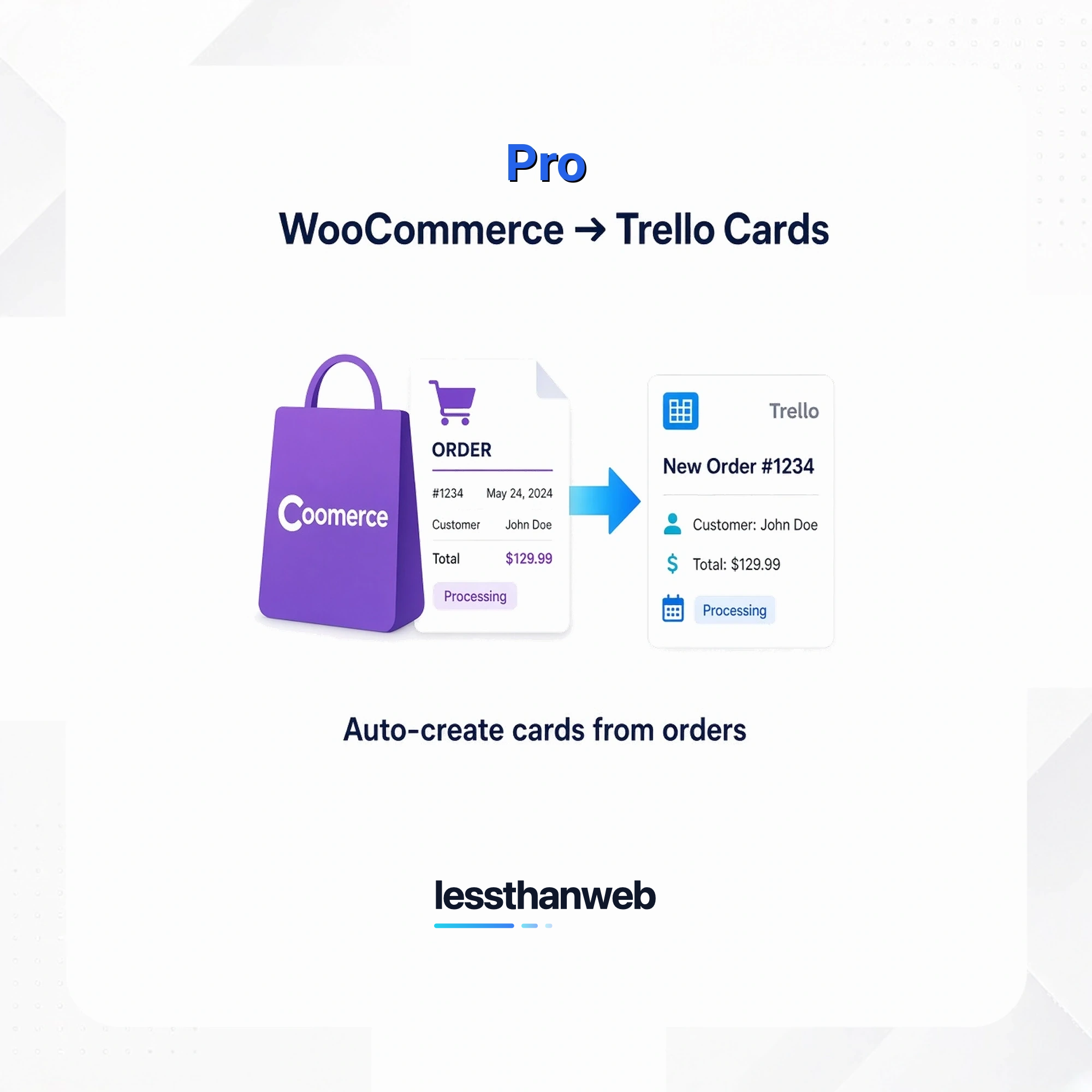
Get more control over where WooCommerce order cards are created, what they contain, and how they’re managed as orders change.
Use built-in and custom order statuses
In addition to WooCommerce’s built-in order statuses, Pro supports statuses registered by other plugins or custom code. Configure card creation separately for each status to fit your workflow.
Send orders to multiple Trello destinations
Choose one or more Trello board and list destinations for each order status. Pro creates cards in the destinations you configure for statuses where card creation is enabled.
Include selected order details in card descriptions
Select available WooCommerce order meta fields to add relevant custom order details to Trello card descriptions, alongside the content configured in the Free plugin. Only selected fields with non-empty values are included.
Open Trello cards from order history
Enable card URL storage to save links for newly created Trello cards in WooCommerce order history, making it easy to open the cards associated with an order.
Archive cards when orders are cancelled or refunded
Enable automatic archiving to archive an order’s recorded Trello cards when its status changes to cancelled or refunded, helping keep your boards aligned with order changes.
Compatible with WooCommerce High-Performance Order Storage
Pro declares compatibility with WooCommerce High-Performance Order Storage (HPOS).
Pro is a separately installed add-on and requires the Free Order-to-Board Sync plugin, WooCommerce, and a Trello account.
WordPress installation guide
Install Order-to-Board Sync Pro
Add the Pro extension to your WooCommerce store, then validate your license to receive Pro updates.
Before you start
Make sure your site meets these requirements and that you have WordPress administrator access:
- WordPress 6.8 or later
- PHP 8.3 or later
- WooCommerce 10.0 or later
- The free LTW Order-to-Board Sync plugin, version 1.1.0 or later, installed and active
Install the free plugin first.
Order-to-Board Sync Pro is an add-on; it does not run on its own. The free plugin must remain active. If WordPress shows a missing or outdated dependency notice, install or update the free plugin and activate it before continuing.
1. Install and activate the Pro plugin
- Get the Pro plugin ZIP file from your purchase confirmation or lessthanweb account. Keep it as a ZIP file; do not unpack it.
- Sign in to your WordPress admin dashboard.
- Go to Plugins > Add New Plugin, then choose Upload Plugin.
- Select the Pro ZIP file and choose Install Now.
- When installation finishes, choose Activate Plugin.
If WordPress reports that the plugin already exists, update the existing Pro plugin rather than installing a second copy.
2. Add and validate your license
- In your purchase confirmation email or lessthanweb account, find your Pro license key.
- In WordPress, go to WooCommerce > Trello and open the License section.
- Enter the license key and choose Save.
- Choose Validate license. Confirm the status is Active and the displayed domain is the site where you installed Pro.
License validation needs a connection.
Your WordPress site must be able to contact the lessthanweb license service. If validation fails, check the key, the site’s outbound connection, and any firewall rules, then try again.
3. Finish setup
Pro extends the settings provided by the free plugin. Open WooCommerce > Trello to configure the Pro options you need. The Free plugin’s Trello connection and card settings are configured separately.
To confirm that Pro updates are available, check Dashboard > Updates or Plugins after license validation.
Troubleshooting
- Pro needs the free plugin first: Install and activate the free LTW Order-to-Board Sync plugin before using Pro.
- The free plugin needs an update: Update LTW Order-to-Board Sync to version 1.1.0 or later before using Pro.
- License is inactive or cannot be validated: check that the key is copied correctly, save it, and try validation again. Confirm the site can reach the license service.
- Need product help? Visit lessthanweb Order-to-Board Sync support.
Download the documentation as a PDF.
Reviews
There are no reviews yet.